
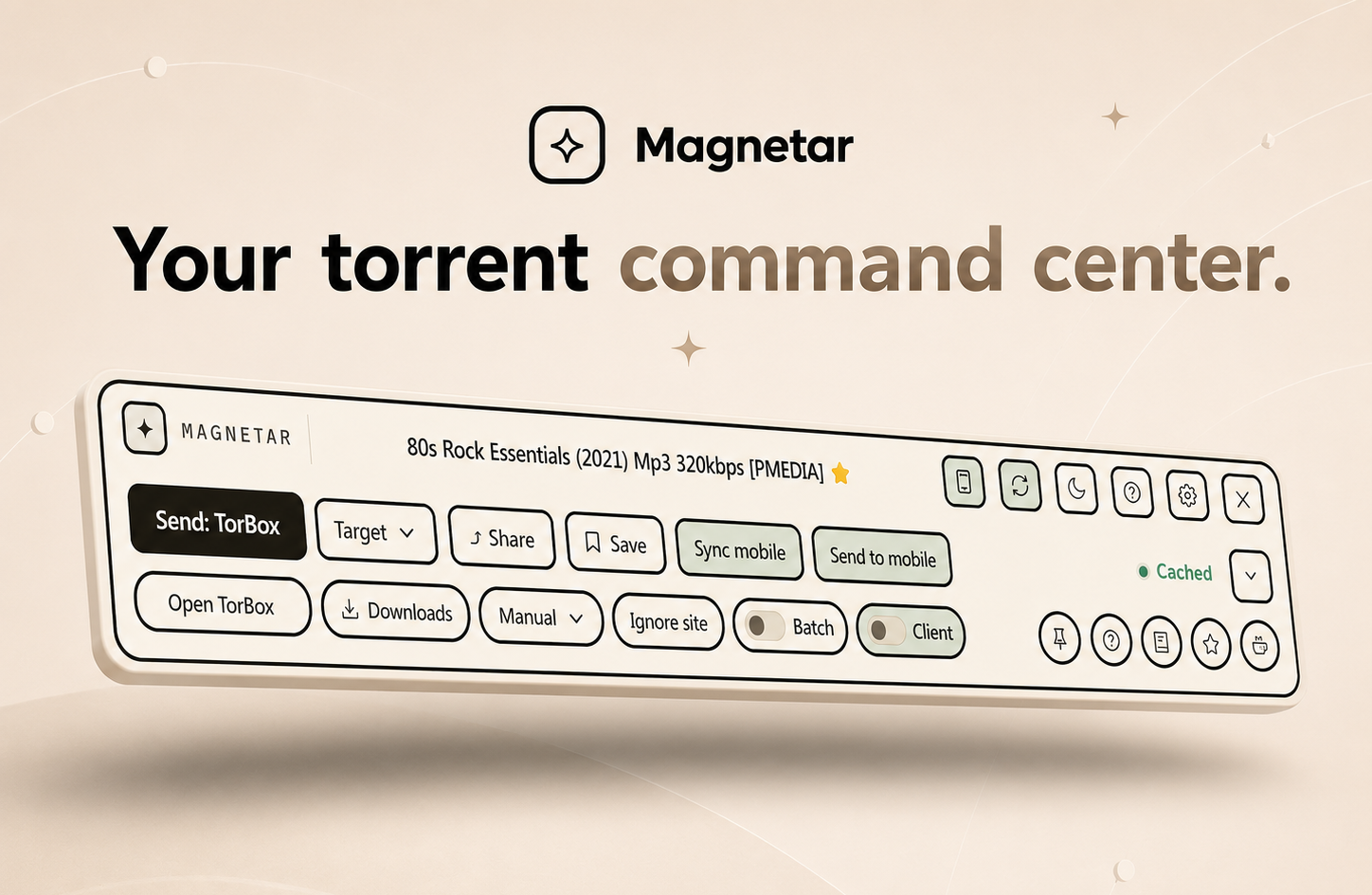
01
Toolbar
Magnetar detects magnet links and torrent hashes on the page, then gives you quick actions to send, copy or open them without breaking your flow.

Detect, send, browse, stay in flow.
Detect magnet links and torrent hashes on webpages, send them to your chosen provider or client, and browse supported libraries from the toolbar.
The extension runs locally in your browser, with no extension analytics, telemetry or tracking.
Pair with Magnetar Mobile to sync saved items, sent history, mobile Review items and organised folders. Send desktop finds to the app Review queue without losing context.
My Magnetar is a private, lightweight web app and sync server for organised folders, review, Saved items and History.
Magnetar detects magnet links and torrent hashes on the page, then gives you quick actions to send, copy or open them without breaking your flow.
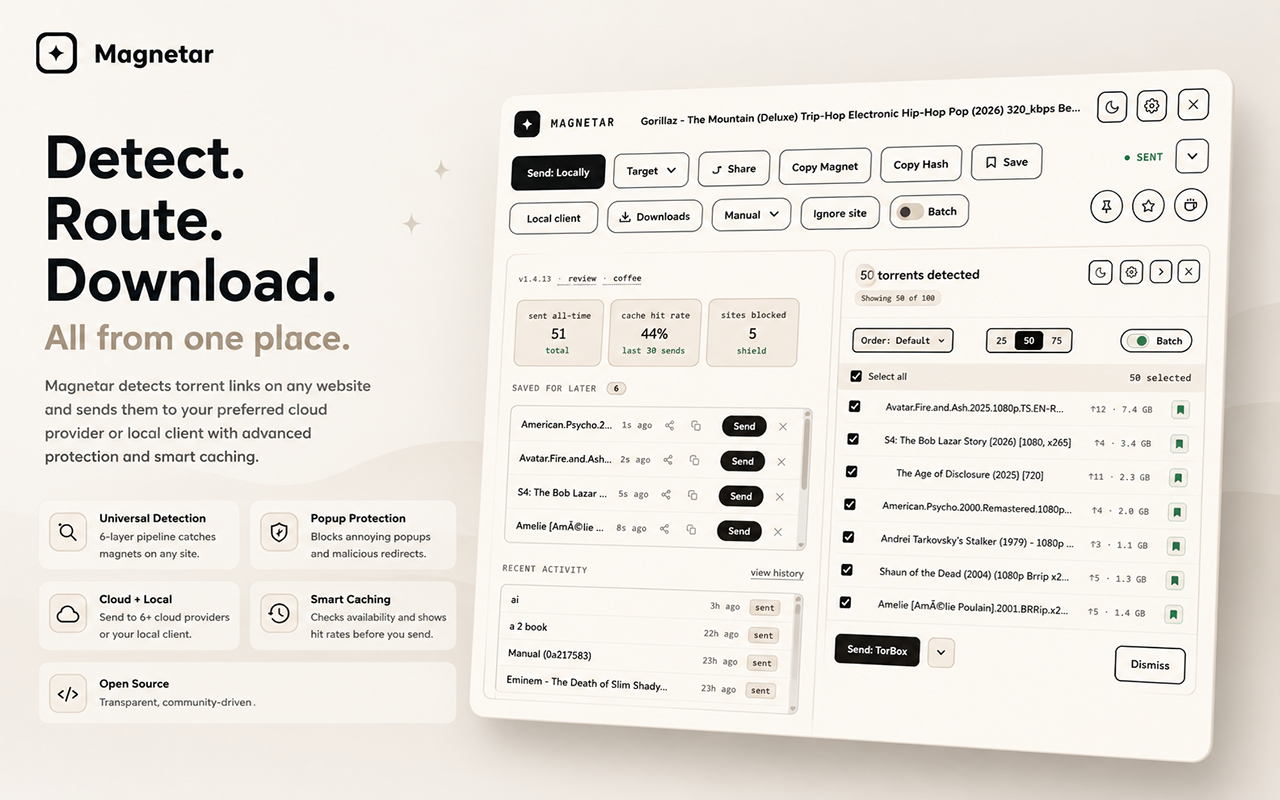
Advanced mode opens up more detail, including Detection Details, send targets, history, Ignore site, Client view, and extra controls.
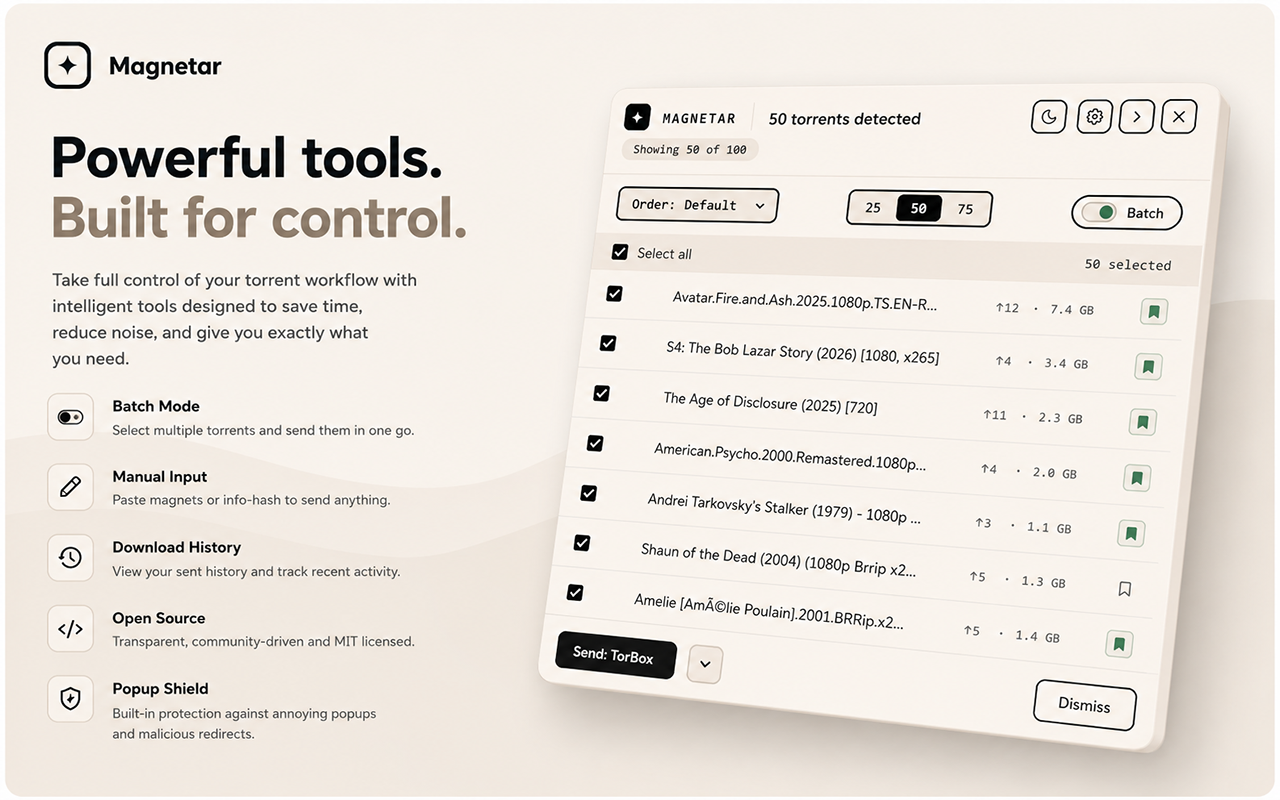
When a page contains multiple results, Batch mode lets you review them, select what you want, and batch send magnet links to your chosen destination.
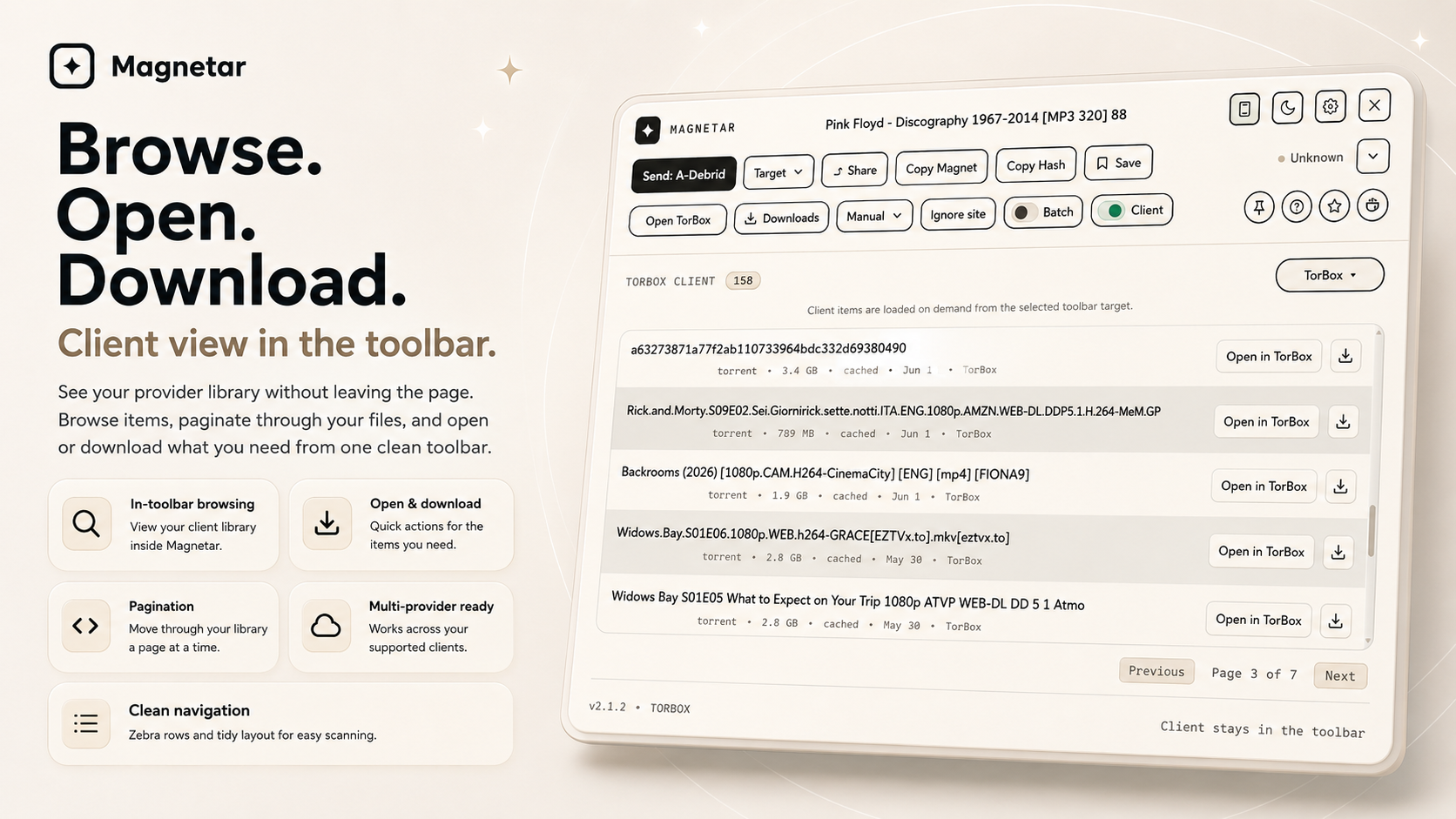
Browse your provider or client library from the toolbar. Open items, download where supported, and move through your list without leaving the page.
Each product works on its own with your configured provider or client. Accounts and provider fees are separate.
Detect magnet links and hashes on webpages and send them to your chosen destination. Browse supported libraries from the toolbar.
No mobile app or self-hosted server required.
Install the extensionShare, review, save and send from Android, and browse supported provider content.
No extension required. Optional pairing syncs supported workflow data and lets desktop finds arrive in mobile Review.
Review, save, send and organise in a web browser, with data on your own server.
One-time purchase. You provide and manage the server and Docker. Optional extension pairing connects Saved, Sent and Organised folders.
Explore My MagnetarMagnetar detects magnet links and torrent info hashes on webpages, then helps you send magnet links to supported providers or your chosen torrent client. Use it for quick sending, manual send when you want to review or paste an item, hash to magnet workflows when a page exposes an info hash, batch workflows for pages with multiple results, Client view when you want to browse your configured library, and local torrent client support when you want the browser to hand off a magnet.
Client view brings your configured provider or client list into the Magnetar toolbar. Browse recent items, move through pages, open items in your provider, or download where supported, all without breaking your browsing flow.
AllDebrid uses Open in AllDebrid so downloads continue through AllDebrid's own page.
A subtle phone shortcut in the toolbar points users to Magnetar Mobile, the Android companion app for Review, Sync, organised folders and browsing supported provider libraries from your phone.
Magnetar Shield includes faster popup-tab handling and an optional recommended popup list. You can install a small curated list of known popup and ad trap domains maintained by Magnetar. It only targets top-level popup tabs, not normal page scripts, images, captchas or site resources.
The recommended list is opt-in remote data only, not remote code. The extension fetches the public JSON list only when you choose Install or Update, sends no browsing history, and lets you remove the list at any time. Manual blocked domains stay separate.
See how this works in practice in the torrent site compatibility directory.
Public list: shield-popup-list.json
Send magnet links to TorBox, Real-Debrid, AllDebrid, Premiumize, qBittorrent, RDT Client, or hand them to a local torrent client. Client view can browse supported provider and client libraries, with open actions and direct downloads where supported.
Paste an item manually, inspect detected results or send a selection together. Switch targets without changing your default.
Browse your configured library, open items or download where supported. AllDebrid downloads continue through Open in AllDebrid.
Choose Standard or Advanced mode, pin the toolbar, ignore a site or inspect Detection Details.
Group items in Magnetar without moving or changing provider files. TorBox Airlock controls use TorBox's own API state.
Clean one-click sending.
Target, Manual, Batch, Client, Pin, Ignore site and Detection Details.
Magnetar is a magnet link browser extension and torrent hash browser extension. It can detect magnet links on webpages, detect torrent info hashes, send them to your configured provider or client, and browse supported provider or client libraries from the toolbar.
No. Magnetar does not download files itself. It sends magnet links or hashes to the provider or client you choose, and shows direct download actions only where that provider supports them.
Client view brings supported provider or client items into the toolbar so you can browse rows, move through pages, open items in your provider, or download where supported.
AllDebrid rows use Open in AllDebrid so you can continue through AllDebrid's own page instead of treating the row as a direct zip download.
It is an optional public JSON list of known popup trap domains. Magnetar fetches it only when you choose Install or Update, stores it locally, and does not send browsing history, provider keys or detected items.
Yes. Magnetar can send magnet links to TorBox, send magnet links to Real-Debrid, send magnet links to AllDebrid, send magnet links to Premiumize, send magnet links to qBittorrent, send magnet links to RDT Client, and use local torrent clients.
Yes. When Magnetar finds supported torrent info hashes, it helps with hash to magnet, hash to torrent, and torrent from hash workflows by sending the detected item to the destination you choose.
Yes. Magnetar can open magnet links with your browser's default local torrent handler.
No. The Magnetar extension has no analytics, no telemetry and no tracking. Provider keys stay local.
No. The extension works on its own. Pairing with Magnetar Mobile is optional and adds Magnetar Sync and Send to mobile Review.
No. They are Magnetar folders. They do not change folders or files inside your provider.
No. Provider API keys and client passwords stay local. Synced Magnetar data is encrypted before it reaches the server.
No. Airlock is TorBox state. Magnetar reads and updates it through TorBox when TorBox is configured locally.
It sends items from the extension to Magnetar Mobile's Review queue.
Yes. You can set a default provider and use Advanced mode to send one item to another target without changing your saved default.
Magnetar needs permissions to detect supported items on webpages, show its toolbar, save settings and send items to the providers you configure.
Yes. Magnetar is available as a Chrome extension for magnet links and a Firefox extension for magnet links. The Chrome Web Store listing also supports compatible Chromium browsers, including Edge, Brave and Opera.